5FT USB to IEEE-1284 HPCN36 Printer Cable - Half-Pitch Centronics 36
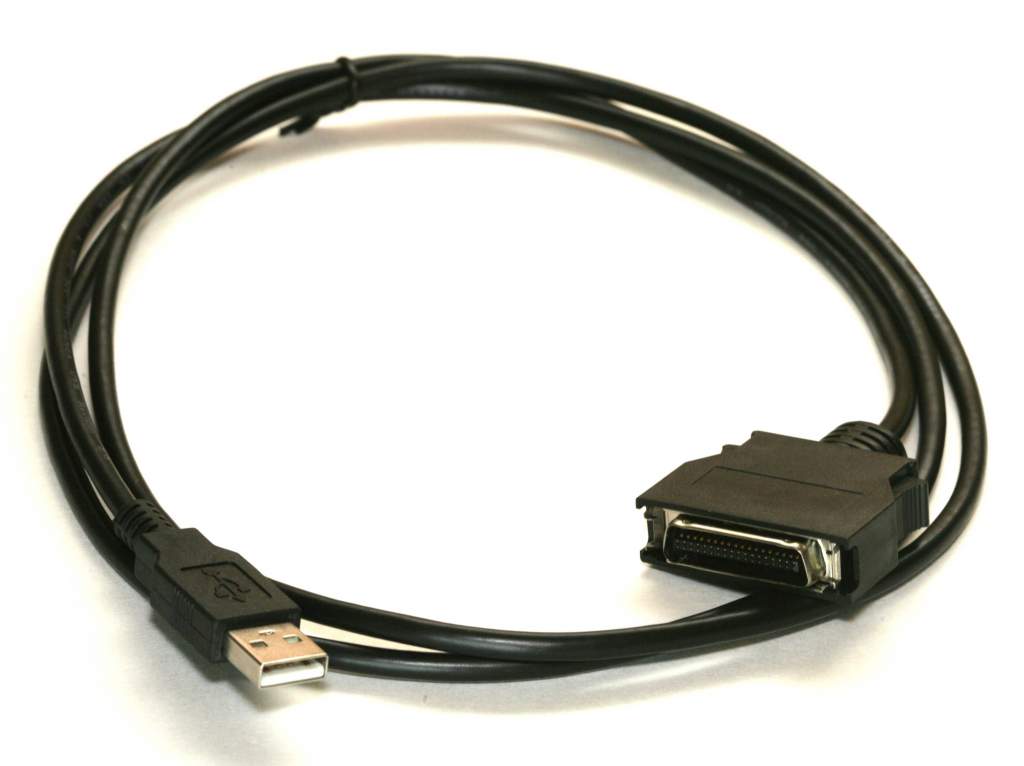
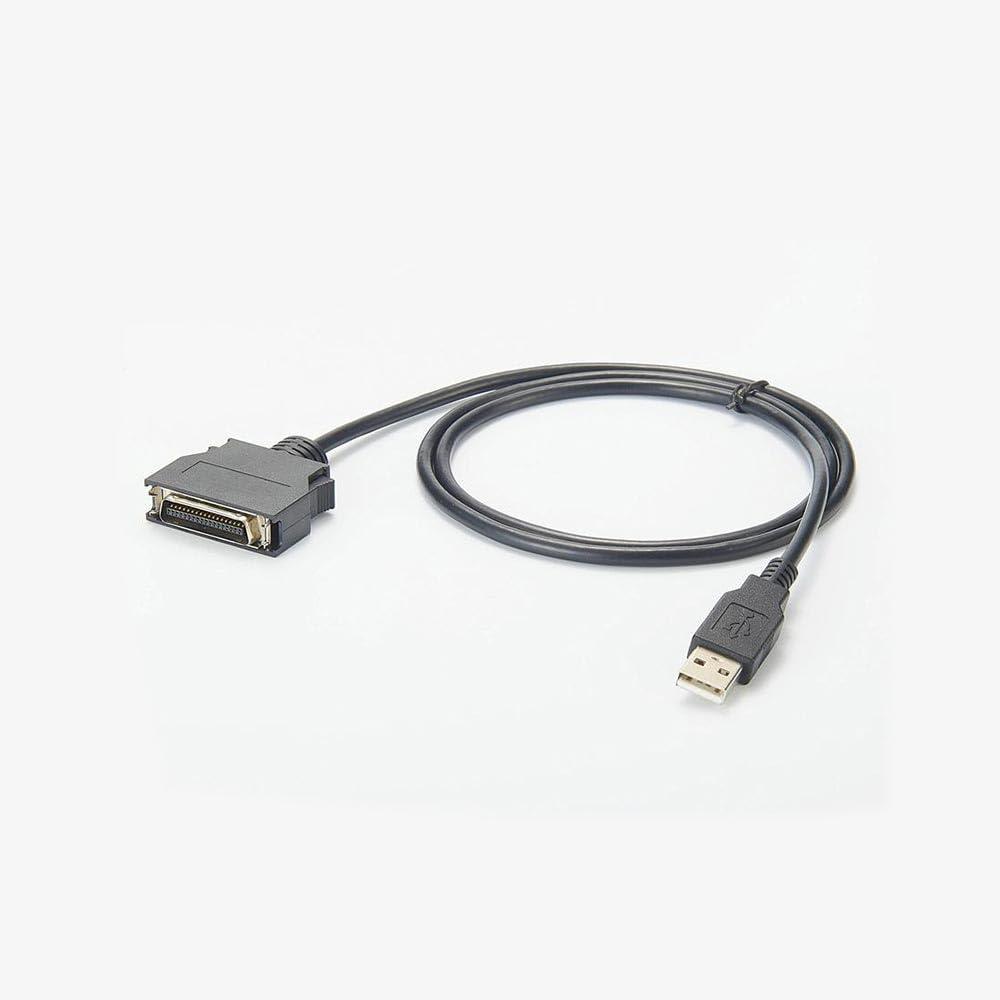
USB to IEEE-1284 HPCN36 Printer Cable
This 5FT USB to IEEE-1284 printer cable allows modern USB-equipped computers to connect to legacy printers and devices that use the Half-Pitch Centronics 36 (HPCN36) interface, also known as IEEE-1284 Type C.
These connectors were commonly used on many HP LaserJet, Color LaserJet, DesignJet, OfficeJet, copier, and business-class printers that require a compact parallel printer connection.
Product Features
- 5FT (1.5M) USB to IEEE-1284 printer cable
- USB Type-A to HPCN36 Half-Pitch Centronics 36 connector
- Supports legacy parallel printer communication
- Compatible with many HP LaserJet and DesignJet printers
- Ideal for replacing obsolete parallel-port printer connections
- USB virtual printer port support
- Color: Black
- Part number: 70613
- UPC: 820799706132
Connector Information
The cable uses a standard USB Type-A connector on the computer side and an IEEE-1284 Type C HPCN36 Half-Pitch Centronics connector on the printer side.
Common Applications
- Legacy HP LaserJet printer connectivity
- Industrial and office printer support
- Connecting modern USB PCs to older parallel printers
- HP DesignJet plotter connections
- Hospital, laboratory, and enterprise printing systems
- Legacy business printer maintenance
- Parallel printer replacement cable applications
Compatible Printer Families
Compatible with many HP LaserJet, Color LaserJet, DesignJet, OfficeJet, PSC, Copier, and business-class printers that use IEEE-1284 Type C HPCN36 connectors.
Compatible Hewlett Packard Printer Models
    HP Business Inkjet 3000, 3000n, 3000dtn
    HP Color LaserJet 3500, 3500n
    HP Color LaserJet 3700, 3700dn, 3700dtn, 3700n
    HP Color LaserJet 4500, 4500n
    HP Color LaserJet 4550, 4550dn, 4550n
    HP Color LaserJet 4600, 4600dtn, 4600hdn, 4600n
    HP Color LaserJet 4610n
    HP Color LaserJet 4650, 4650dn, 4650dtn, 4650hdn
    HP Color LaserJet 4700, 4700dn, 4700dtn, 4700n
    HP Color LaserJet 5500, 5500dn, 5500n
    HP Color LaserJet 5550, 5550dn, 5550dtn, 5550hdn, 5550n
    HP Color LaserJet 8500, 8500dn, 8500n
    HP Color LaserJet 8550, 8550dn, 8550gn, 8550n
    HP Color LaserJet 9500, 9500gp, 9500hdn, 9500n
    HP DesignJet 5000, 5000ps, 5000uv
    HP DesignJet 5500, 5500uv, 5500ps, 5500psuv
    HP LaserJet 1100, 1100xi
    HP LaserJet 3100, 3100se, 3100xi
    HP LaserJet 3150, 3150se, 3150xi
    HP LaserJet 3200se
    HP LaserJet 6mp, 6p, 6pse, 6pxi
    HP LaserJet 8000, 8000dn, 8000n
    HP LaserJet 8100, 8100dn, 8100mfp, 8100n
    HP LaserJet 8150
    HP LaserJet 9000
    HP LaserJet 9050, 9050dn, 9050n
    HP Copier 240, 320
    HP OfficeJet D135
    HP OfficeJet D155xi
    HP OfficeJet G55, G95
    HP OfficeJet R40, R40xi, R45, R60, R65, R80, R80xi
    HP Color LaserJet 4730
    HP Color LaserJet 8550mfp
    HP Color LaserJet 9500mfp
    HP Color LaserJet CM4730 MFP
    HP LaserJet 1100A
    HP LaserJet 3100
    HP LaserJet 3150, 3150se, 3150xi
    HP LaserJet 3200, 3200m
    HP LaserJet 8150mfp
    HP LaserJet 9000L MFP, 9000mfp
    HP Officejet D125xi, D135, D145, D155xi
    HP Officejet G55, G85, G95
    HP Officejet R40xi, R45, R65, R80xi
    HP PSC 500
Compatible Zebra Models
    Zebra Model
    Zebra 90XiII
    Zebra 90XiIII
    Zebra 90XiIIIPlus
    Zebra 96XiIII
    Zebra 100XiII
    Zebra 100XiIIIPlus
    Zebra 105SL
    Zebra 105SE
    Zebra 110XiII
    Zebra 110XiIIIPlus
    Zebra 140XiII
    Zebra 140XiIII
    Zebra 140XiIIIPlus
    Zebra 170XiII
    Zebra 170XiIIIPlus
    Zebra 220XiII
    Zebra 220XiIIIPlus
    Zebra Z4M
    Zebra Z6M
    Zebra S300
    Zebra S500
    Zebra S600
Printer Port Setup & Driver Notes
Most operating systems automatically detect this USB printer cable and create a USB virtual printer port such as USB001 or USBLPT. If the printer is not immediately detected, verify that the correct printer port is selected in the operating system printer settings.
Windows Printer Port Setup Instructions
- Open - Control Panel
- Select - Hardware and Sound
- Open - Devices and Printers
- Right-click your printer and select - Printer Properties
- Select - Ports tab
- Choose the assigned USB virtual printer port such as:
- USB001
- USB002
- USBLPT1
- Verify that USB Printer Support appears in Device Manager
Driver Information
The USB interface driver for this cable normally installs automatically when connected to a supported operating system. The system may assign a virtual printer port such as USBLPT(1-9) or USB001-USB009.
Printer-specific drivers should be downloaded directly from the printer manufacturer's support website.
Example: HP Printer Driver Downloads
IEEE-1284 Type C Connectivity
The IEEE-1284 Type C connector, also known as HPCN36 or Half-Pitch Centronics 36, was widely used on enterprise-class HP LaserJet, DesignJet, and business printing systems requiring compact high-density parallel printer interfaces.
Legacy Printer Connectivity Specialists
PCCables.com designed this USB to IEEE-1284 HPCN36 printer cable for reliable compatibility with legacy HP printers and enterprise printing systems. Manufactured to PCCables.com specifications, this adapter helps connect modern USB computers to older business-class printers that use Half-Pitch Centronics 36 interfaces.
Since 1996, PCCables.com has supplied hard-to-find printer cables, IEEE-1284 adapters, serial connectivity products, and legacy interface solutions for technicians, engineers, government agencies, schools, industrial systems, and enterprise IT departments.
Certifications: