
6FT USB-C to RJ45 Cable Cisco Router Console Serial FTDI
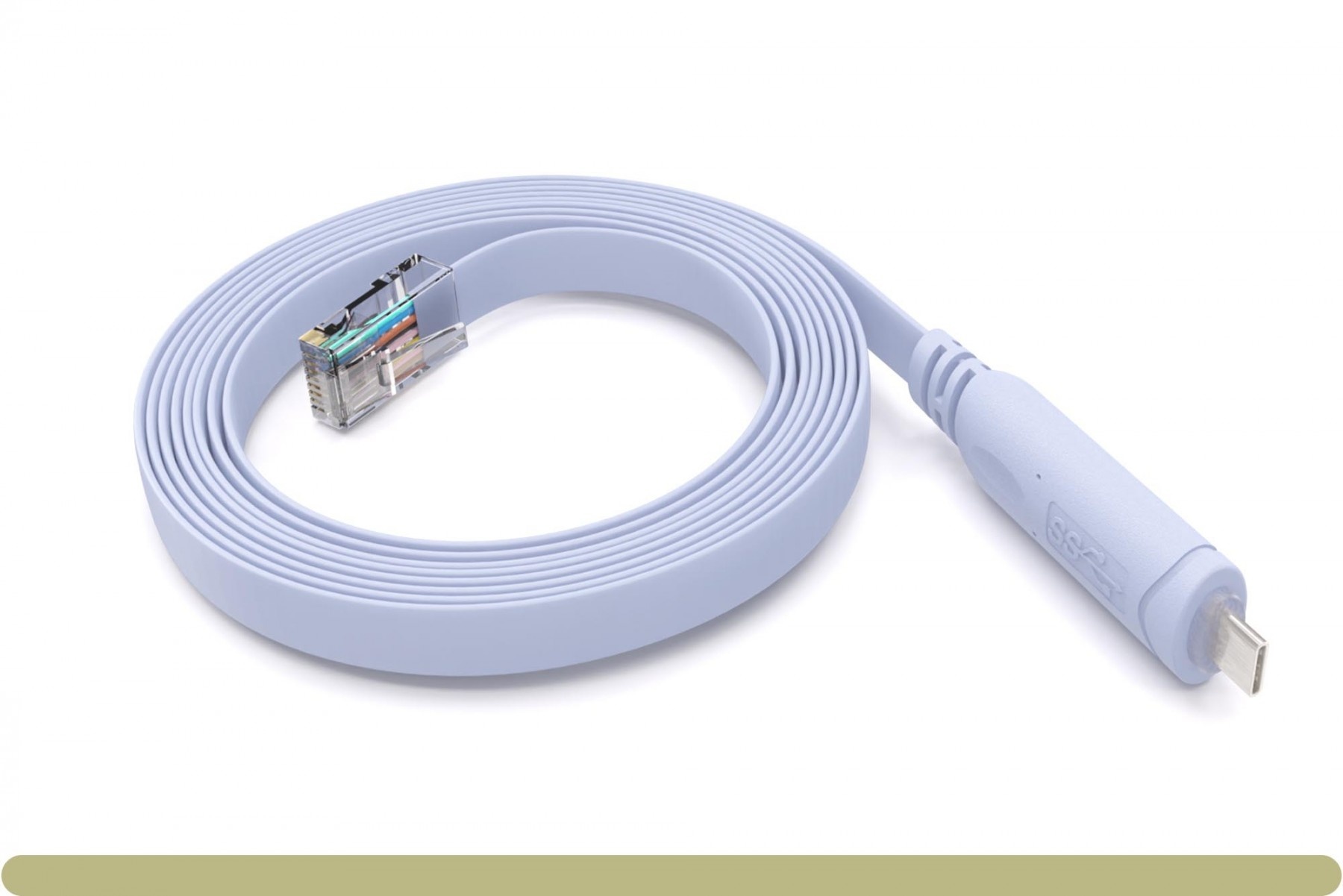
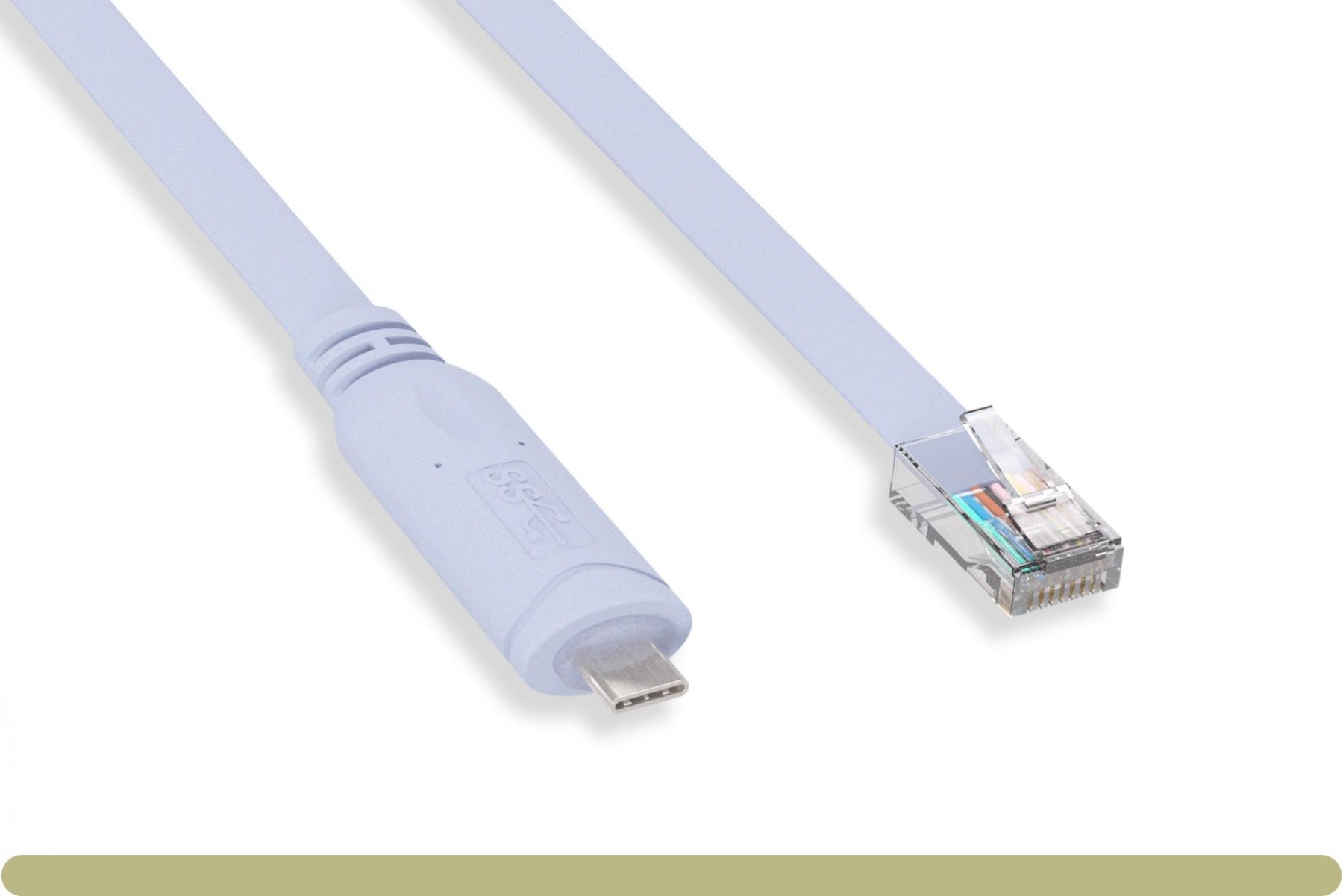
6FT USB-C to RJ45 Cisco Console Cable with FTDI Serial Support
Need a reliable way to connect a modern USB-C laptop , computer, phone or tablet to the RJ45 console port on Cisco networking equipment? This 6 ft USB-C to RJ45 Cisco console cable gives network technicians, IT departments, installers, and field engineers a direct serial console connection for local device configuration, troubleshooting, and recovery.
The integrated FTDI USB-to-serial interface helps the cable appear as a serial COM/TTY port in compatible terminal software, so you can connect without using a separate USB serial adapter and rollover cable.
Important: The RJ45 end of this cable is for serial console ports. It is not an Ethernet network cable and should not be used as a standard network patch cable.
- Direct USB-C to RJ45 console connection for Cisco-style console ports
- FTDI USB-to-serial support for dependable serial communication
- 6 ft cable length for rack, bench, and field use
- Works with terminal software once the serial port is recognized by your operating system
- Great for network setup and recovery when Ethernet or remote access is not available
- In stock with quantity discount pricing available
Designed for Cisco-Style RJ45 Console Ports
This USB-C console cable is made for equipment that uses an RJ45 serial console port, including Cisco routers, Cisco switches, and other network devices that follow the Cisco-style RJ45 console wiring standard.
A console connection is commonly used for initial setup, password recovery, configuration changes, firmware recovery, and troubleshooting when a device cannot be reached over the network.
Built-In FTDI USB Serial Interface
The built-in FTDI interface converts USB-C to serial console communication. On supported systems, FTDI Virtual COM Port drivers allow the USB device to appear as a standard serial port that can be selected inside terminal software.
Common Console Settings
Many Cisco console connections use the following default terminal settings:
- Baud rate: 9600
- Data bits: 8
- Parity: None
- Stop bits: 1
- Flow control: None
Operating Systems Compatiblitiy
- Apple iOS 14 and Later.
- Windows all Versions Supporting USB
- Linux and Unix all Versions supporting USB
Always confirm the console settings for your specific device, especially if the device has been previously configured with a custom console speed.
How to Use This USB-C Console Cable
- 1. Plug the USB-C end into your phone, computer, laptop, or compatible USB-C host device.
- 2. Connect the RJ45 end to the serial console port on your router, switch, or network appliance.
- 3. Open your preferred terminal program.
- 4. Select the serial COM/TTY port created by the FTDI interface.
- 5. Use the device’s required serial settings, commonly 9600 baud, 8 data bits, no parity, 1 stop bit, and no flow control.
- 6. Press Enter to begin the console session.
Product Specifications
| Product | 6FT USB-C to RJ45 Cisco Router Console Serial Cable with FTDI |
|---|---|
| Part Number | 71017 |
| UPC | 820799710177 |
| Length | 6 ft |
| Connector 1 | USB-C male |
| Connector 2 | RJ45 male console connector |
| Interface Type | USB-C to serial console |
| Chipset / Interface | FTDI USB serial |
| Use Case | Cisco-style RJ45 serial console access |
RJ45 Cisco Console Pinout
| RJ45 Pin | Console Signal | Function | Direction |
|---|---|---|---|
| 1 | RTS | Request To Send | Output from console device |
| 2 | DTR | Data Terminal Ready | Output from console device |
| 3 | TxD | Transmit Data from router/switch | Output from console device; receive data into USB serial adapter |
| 4 | GND | Signal Ground | Ground |
| 5 | GND | Signal Ground | Ground |
| 6 | RxD | Receive Data into router/switch | Input to console device; transmit data from USB serial adapter |
| 7 | DSR | Data Set Ready | Input to console device |
| 8 | CTS | Clear To Send | Input to console device |